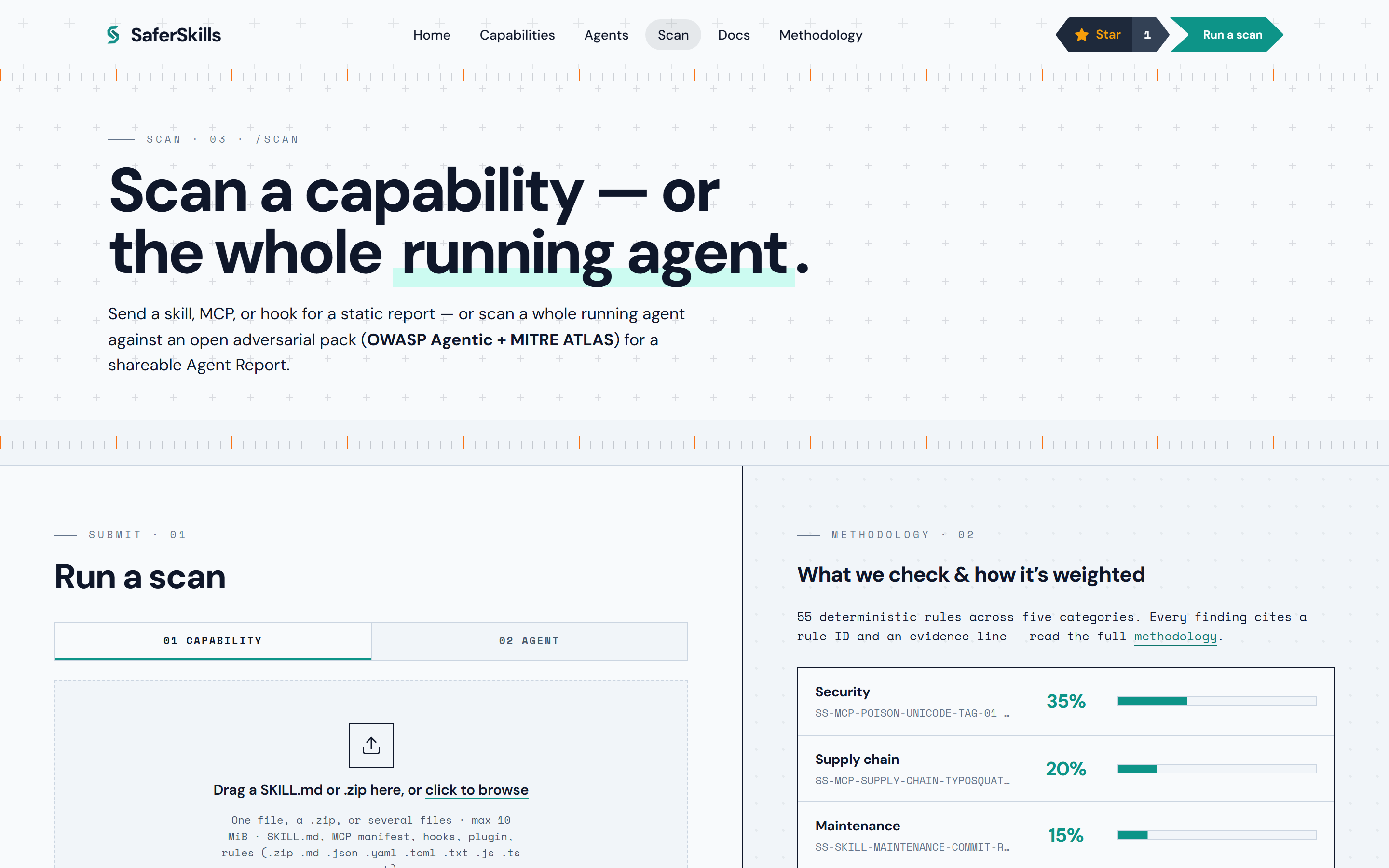
To scan any AI capability, submit its public GitHub URL — or upload its files — at /scan. SaferSkills runs the same deterministic engine the catalog uses, discovers every capability in the repo, scores each one, and returns a public report in roughly 30 seconds. A human-verification gate and a per-IP daily cap keep the submission surface anti-abuse, and a live progress stream shows the scan as it runs.
How do I submit a scan?
There are two front-ends into one engine:
- A GitHub URL. Paste a public repository URL (
https://github.com/<owner>/<repo>, or a sub-tree). The form posts toPOST /api/v1/scans. The engine fetches the repo at its current HEAD, walks the file tree, discovers each capability, and scores them. - An upload. Submit one file, one
.zip, or several loose files (combined up to 10 MiB) toPOST /api/v1/scans/upload. The upload is extracted into the same in-memory file index a GitHub fetch produces, so it is scanned exactly like a repo — no different scoring path.
Both paths produce a run that fans out to one report per discovered capability under a single repo report.
Why is there a human-verification gate?
Both submit endpoints require a Cloudflare Turnstile token, verified server-side before any scan work begins. Each accepted submission costs a full scan, so the gate raises the cost of distributed or bot-driven abuse — it complements, rather than replaces, the rate limit below. The browser handles the Turnstile challenge for you; you rarely see more than a checkbox. The verification runs before the URL is even parsed, so a tokenless bot cannot probe the URL validator or farm a cached result.
What are the rate limits?
Anonymous submissions are capped at 10 per day per IP. The cap is an anti-abuse control for public submitters; if you hit it, wait for the daily window to reset. Trusted local seeding (a request originating on the API’s own machine, over loopback) is exempt — that exemption never applies to real public traffic, which arrives over the proxy and is never loopback.
How does scan progress work?
A scan is accepted as a 202 Accepted with a run id, then runs in the background. The client follows progress over a Server-Sent Events stream at GET /api/v1/scans/<run_id>/events. Each event reports the current stage and a completion percentage; the stream replays any missed history (pass Last-Event-ID to resume) and then delivers live deltas until the run reaches completed or failed. The /scan page renders this as a progress view, so you watch the fetch → discover → score stages in real time rather than polling.
When the run finishes, the report is available at GET /api/v1/scans/runs/<run_id> (the repo report, all capabilities) and at GET /api/v1/scans/<scan_id> for a single capability.
What is the difference between a public and an unlisted scan?
Every scan is public by default — it appears in the catalog, gets a shareable permalink, and is indexed. You can instead submit an unlisted scan, which is reachable only through an unguessable share token at GET /api/v1/scans/r/<token>:
- An unlisted run never appears in any public list and its bytes are token-gated.
- You hold the only link. You can delete it eagerly (
DELETE /api/v1/scans/r/<token>), or it auto-expires after 90 days. - You can promote an unlisted run to public, one-way, via
POST /api/v1/scans/r/<token>/promote.
Unlisted is the right choice for a capability you have not published yet but want to check privately. Note that uploads have no vendor right-of-reply, since there is no upstream repo to verify ownership against.
What do I do with the report?
Open the report to read the aggregate score, the five sub-scores, and every finding. See read a scan report for how to interpret each part — the score band, the finding evidence, and how to act on a low score. To find capabilities already in the catalog without scanning them yourself, browse the catalog.